Defragment your PC up to 10X faster.
Power Defragmenter is a friendly user interface that helps you defrag your files, folders or disks easily.
 |  |  |  |
 | 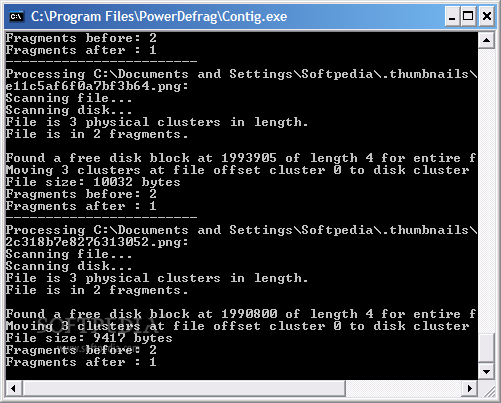 | 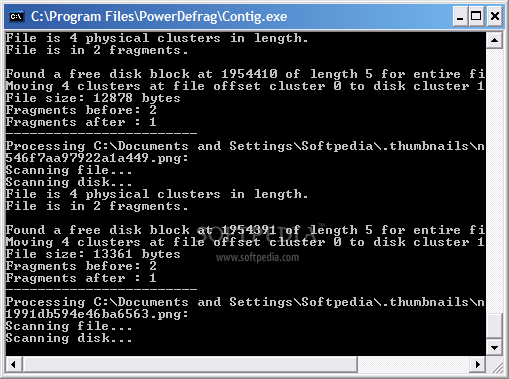 |
After downloading the archive you have to place the files together with Contig.exe in order to run. When you start Power Defragmenter it checks if Contig is present, and if not, you will be taken to the download page. Once the download is complete, you have to place Contig in the same location as its GUI and we're done! Don't worry about download times, both files are under 1MB in size.
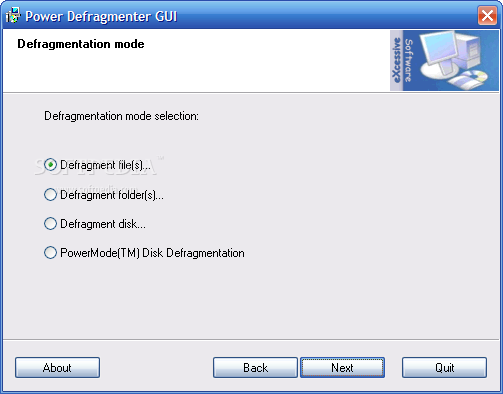
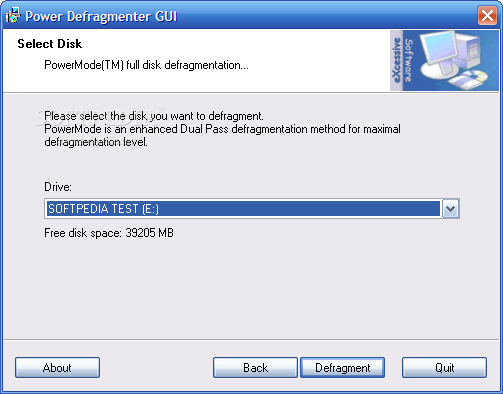
The interface of the program is a small window that allows you to perform all operations available. Let's check out these operations...
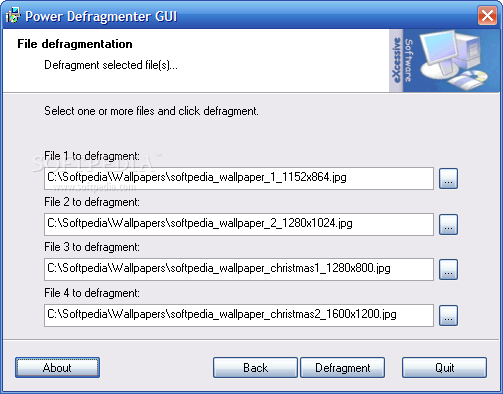
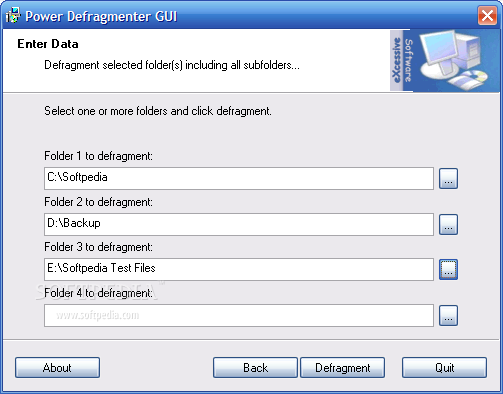
Files and folders defragmentation: if you don't need to defragment entire disks, you can choose to do this only with files or folders. Check the radio button for the item you want to defrag, press Next, then browse for one up to four files or folders. Hit Defrag to start the processes and it's as done! The defragmentation is done much faster than with the default tool that comes with Windows, so you won't grow old waiting for it to finish.
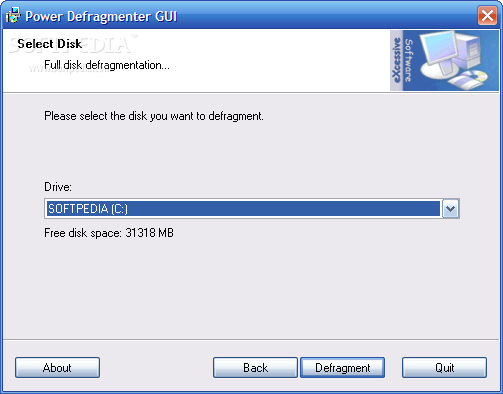
There are two more defragmentation modes: full and PowerMode. The first method processes all files from the chosen disk in a single pass while the seconds defragments the files twice to ensure best results (and it takes more time to do it, of course).
Download: Click Here.
Vietnamese Entry: Click here.


0 nhận xét:
Post a Comment